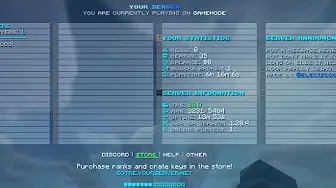
Server interface
Tab Config
A polished tab list with server links, player stats and animations.
Free downloads are limited to one active configuration at a time. Your timer is saved while you browse.
Saved only in this browser for up to 90 days; not synced to an account. “Download opened” means you clicked a download link, not that the file finished saving.
Add a clean, readable sidebar with player and server statistics.
Get the configuration, then follow the guide below.
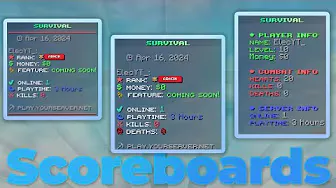
Elec's Custom Scoreboard Configuration uses SimpleScore and PlaceholderAPI to create a professional sidebar without a custom plugin.
It is a practical starting point for survival, network, and minigame servers.
Watch the step-by-step setup and customization walkthrough:
Users who make any $2.50 config purchase receive priority support and instant downloads for all configs. For other inquiries, please visit the Contact Page.
Explore complementary resources for your next server upgrade.
Server interface
A polished tab list with server links, player stats and animations.
Server interface
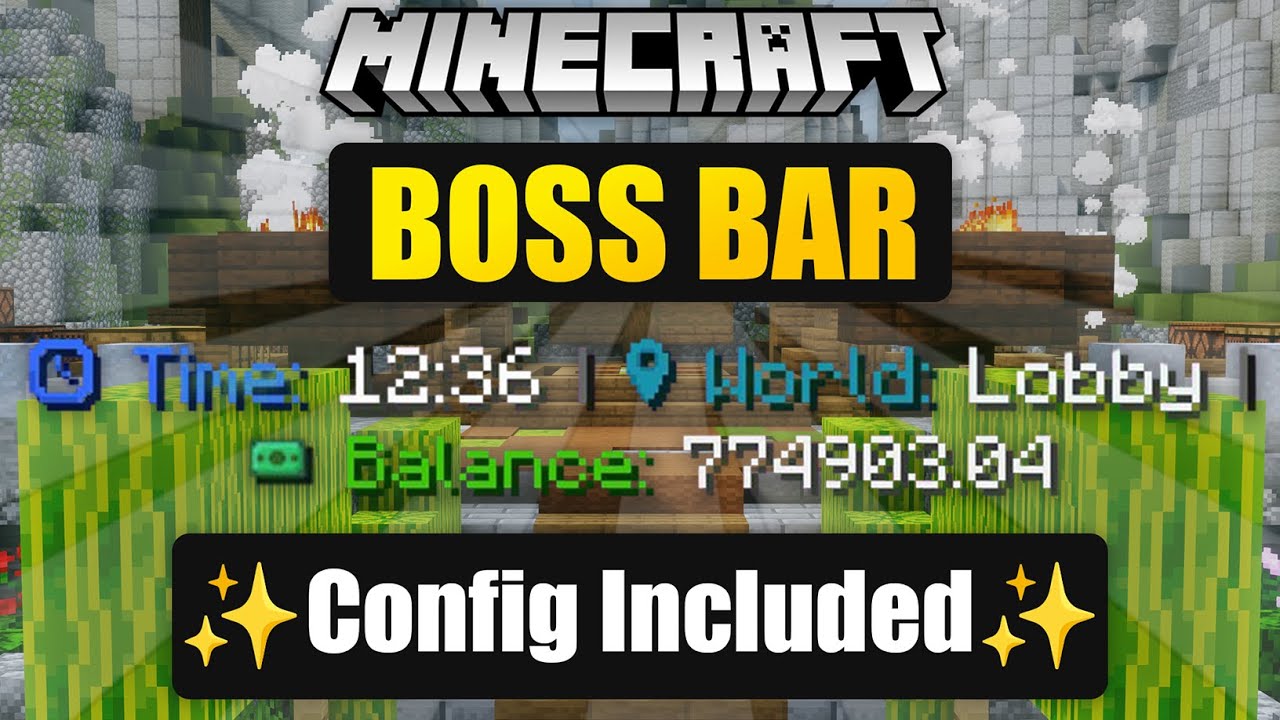
Display server information in a customized TAB boss bar.
Server interface
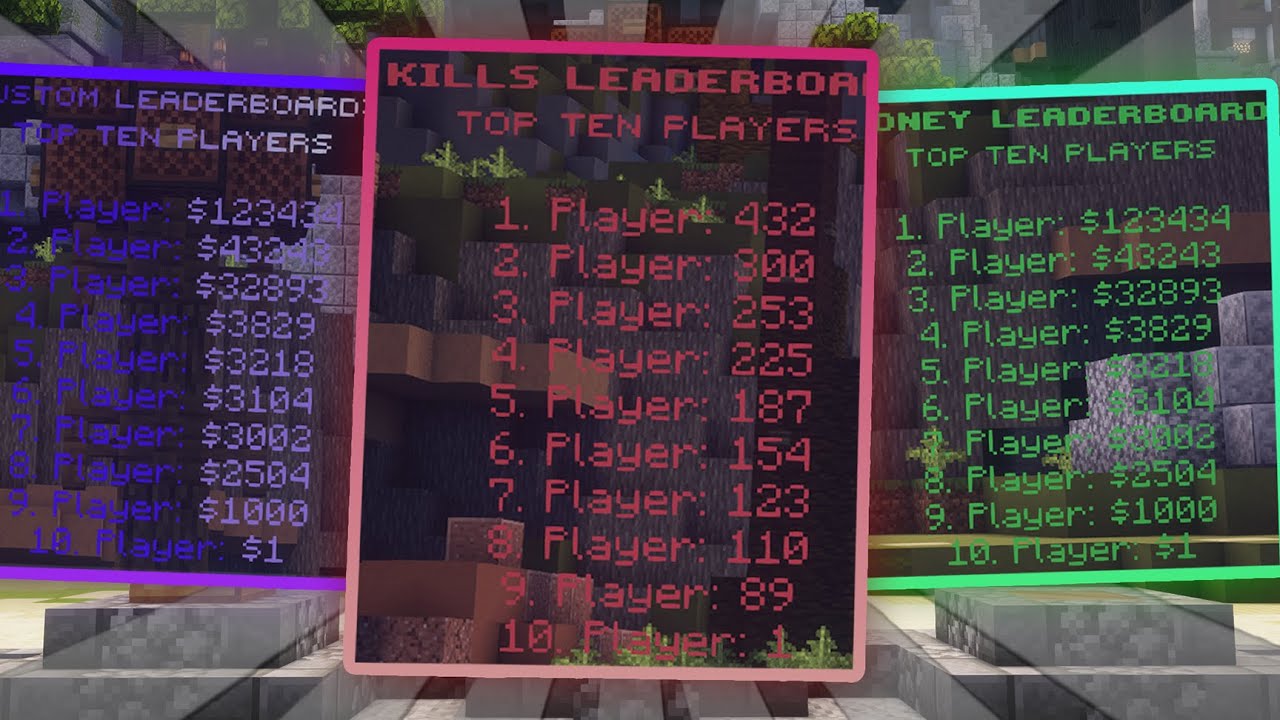
Showcase your top players with AJLeaderboards configurations.