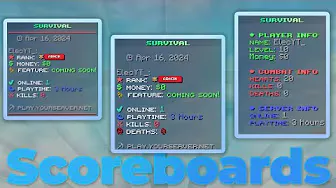
Server interface
Scoreboard Config
Clean, readable sidebars powered by SimpleScore and PlaceholderAPI.
Free downloads are limited to one active configuration at a time. Your timer is saved while you browse.
Saved only in this browser for up to 90 days; not synced to an account. “Download opened” means you clicked a download link, not that the file finished saving.
Give your server a polished tab list with useful player and server details.
Get the configuration, then follow the guide below.
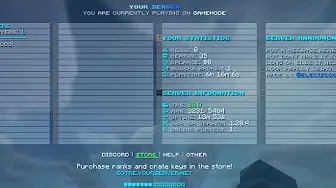
This TAB configuration gives server owners a polished starting point for displaying player information, server links, statistics, and animations.
The files are designed to be easy to install and adapt to your server branding.
Watch the step-by-step setup and customization walkthrough:
Users who make any $2.50 config purchase receive priority support and instant downloads for all configs. For other inquiries, please visit the Contact Page.
Explore complementary resources for your next server upgrade.
Server interface
Clean, readable sidebars powered by SimpleScore and PlaceholderAPI.
Server interface
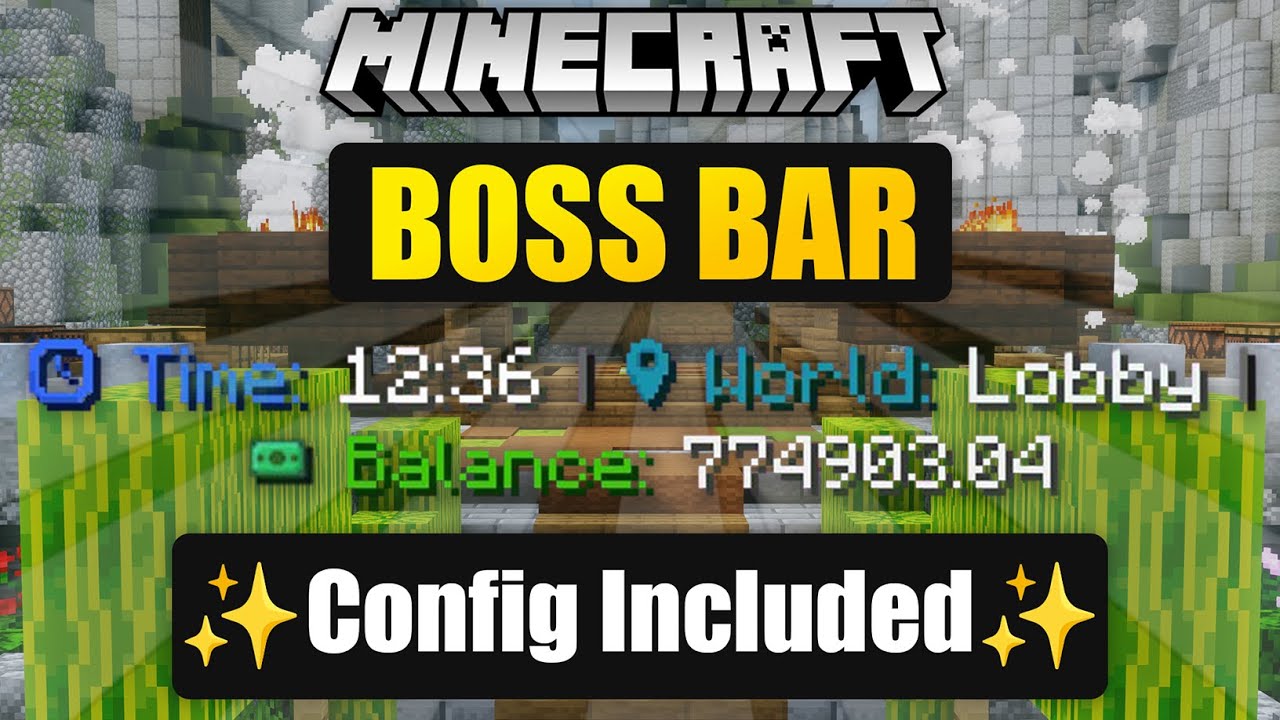
Display server information in a customized TAB boss bar.
Server interface
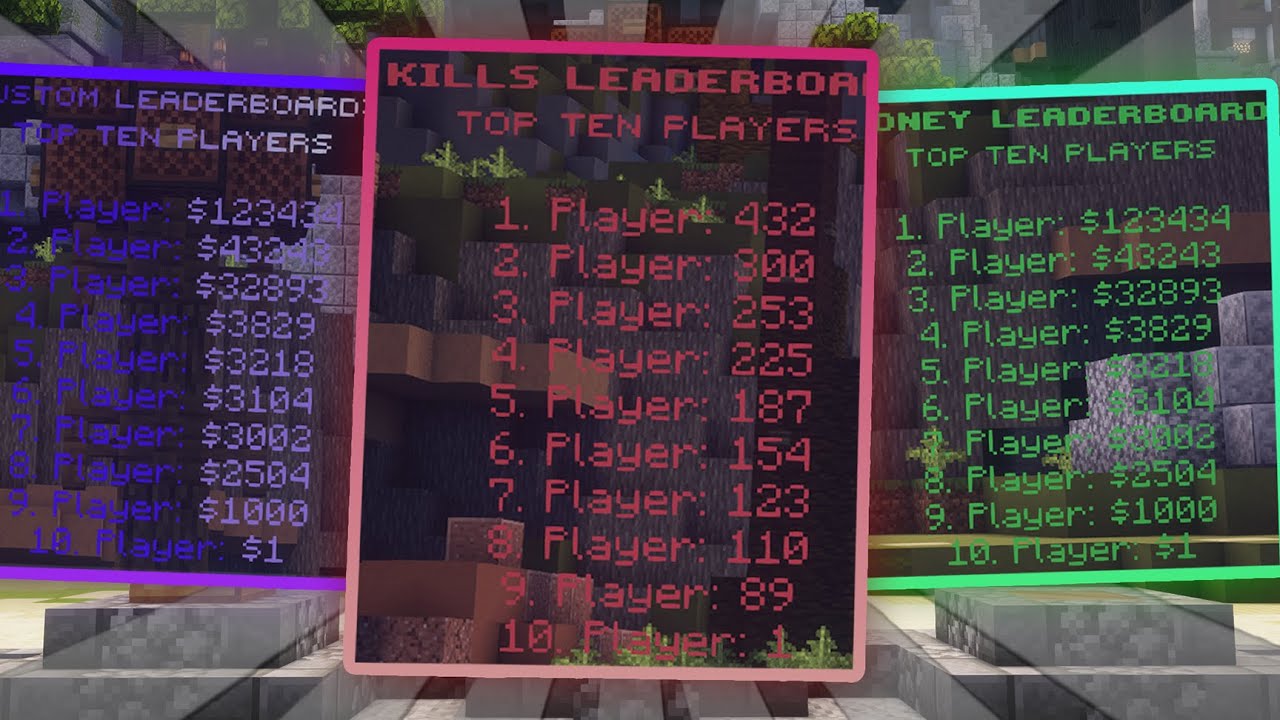
Showcase your top players with AJLeaderboards configurations.